


Mixpanel MCP: Get fast answers to product questions where you work

Product analytics is shifting from dashboards to conversations, changing how teams access insight and make decisions. We built Mixpanel MCP to power this shift, launching the public beta to test it against the messy reality of real-world workflows.
Teams used it across various products and AI models in ways we didn't anticipate, proving that for AI-powered analytics to be useful, it must move beyond demos to handle imperfect data and prioritize reliability.
Those learnings have shaped our understanding of what teams truly need from AI. We’re now bringing Mixpanel directly into tools like Claude and ChatGPT through our MCP server, making product intelligence available wherever you already work.
By removing the gap between having a question and getting an answer, we’re helping teams move from insight to action in minutes, not days.
What’s included with Mixpanel MCP today
With this release, Mixpanel MCP supports a core set of analytics workflows that you can rely on every day, including the following.
Connect Mixpanel with AI tools you already use
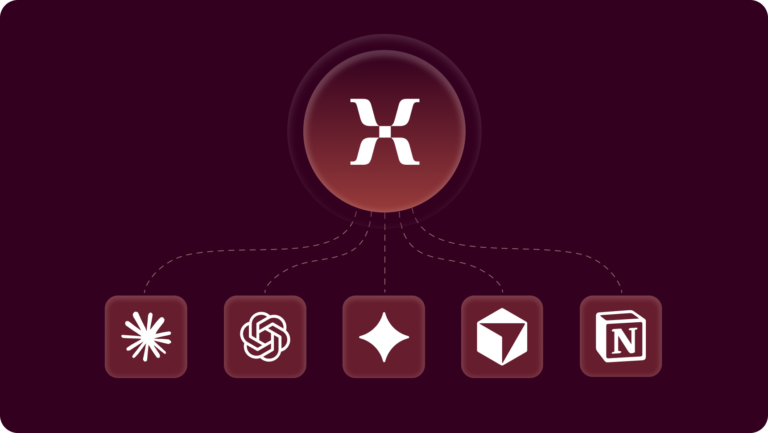
An MCP server is only as good as its partners. Now you can connect Mixpanel MCP with any compatible tool, including your favorites like Claude, ChatGPT, Gemini, Cursor, and Notion (go here for the full list!). Ask product questions, create dashboards, explore Session Replays, update Lexicon, and more.
💡Visit our docs page here to follow the steps in connecting your favorite AI tool.
Generate boards and reports instantly
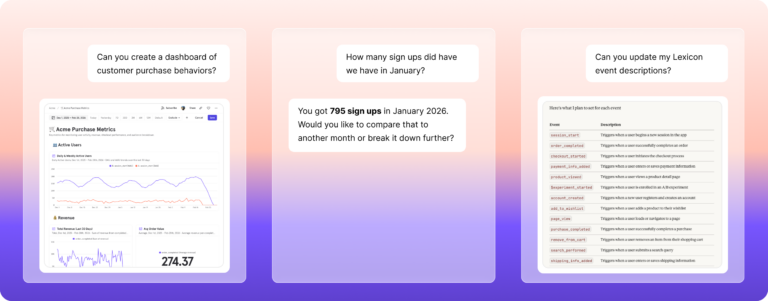
Build boards and reports in Mixpanel MCP without leaving your workflow, getting you to faster product insights. Just ask your questions in natural language and watch your tools work together to generate a response immediately.
Analyze MCP and session replays together
Teams can analyze a specific user’s replays in combination with event data using the MCP, allowing AI interfaces to reason not just about what users did, but how they experienced the product. This makes it possible to combine behavioral data with qualitative context in a single conversational workflow.
Automate your governance with Lexicon tools
Project Owners and Admins can now manage event and property metadata directly through Mixpanel MCP. Beyond generating descriptions, the protocol enables critical governance actions including data verification and tagging. Teams can also manage data visibility by hiding or dropping specific events and properties. These automated hygiene tasks ensure a precise data dictionary, allowing your organization to maintain high-quality data at scale.
Scale global insights with MCP support for EU and India
After listening to your feedback, we’ve also expanded MCP functionality to support projects hosted in the EU and India, enabling global teams to use MCP while keeping data within their appropriate regions.
4 Common Mixpanel MCP use cases
Once you’re ready to dive deeper, you can try some of these impactful ways teams are using MCP.
Analyze what channels actually drive growth
- Prompt: “Today is [today’s date]. In the last three months, which channels have driven the most users?”
- Why: This will showcase how acquisition sources have performed in the past quarter, making it easier to decide where to invest the budget next.
Understand the context behind user feedback
- Prompt: “User X submitted negative feedback on [insert date]. Analyze their session replays to help understand what happened in their session.”
- Why: This will enable you to review relevant replays alongside event data, identifying friction points faster than manual investigation.
Improve funnel performance in seconds
- Prompt: “Show me signup conversion rates by acquisition source, broken down by channel, for the last 30 days. Today is [today’s date]. ”
- Why: This will help you identify where users drop off and which channels convert most effectively without rebuilding dashboards or reports.
Update data in Lexicon
- Prompt: “Generate event descriptions for all of my events in Lexicon”
- Why: This speeds up governance workflows for project Owners and Admins.
What customers say
The public beta was designed to push Mixpanel MCP beyond ideal scenarios. By opening it up across teams, tools, and use cases, we saw how conversion analytics performs when questions are ambiguous, data isn’t perfectly shaped, and context changes quickly.
In many cases, MCP wasn’t just answering questions because it was powering autonomous analysis, like for SKIO Music:
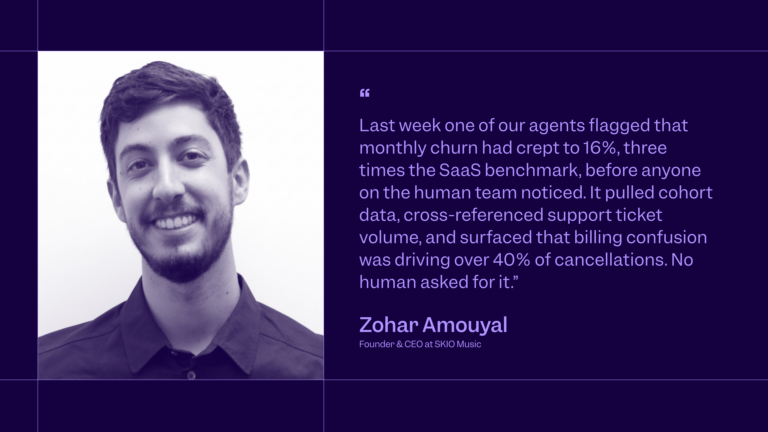
This is the difference between conversational analytics and intelligent workflows. Mixpanel MCP goes beyond responding to prompts as it enables AI systems to reason continuously on top of trusted product data.
Then there’s DANA Indonesia, who’s already explored more with their MCP setup:
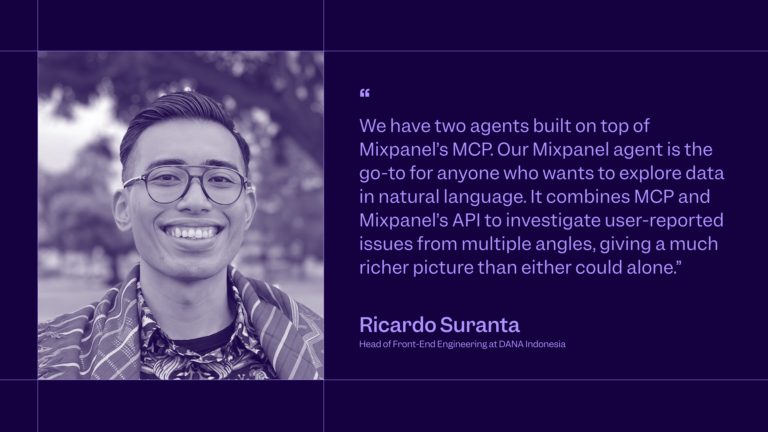
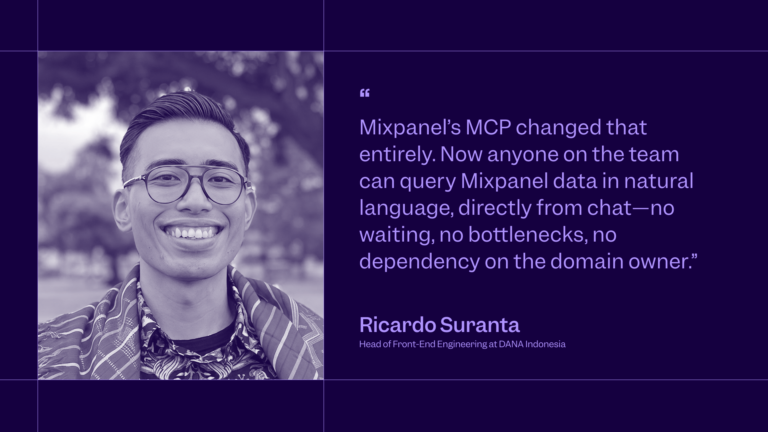
With our MCP, complete self-serve analytics is even more of a reality, as Ricardo explains:
Mixpanel MCP erases any data bottlenecks you may have. By bringing trusted digital analytics into your AI tools, our MCP empowers you to ask questions in natural language and get reliable answers. Automate workflows, create dashboards and reports, manage your metadata and do it all with the context you have connected.
The result is faster discovery and broader access to insights, and a more intuitive way to work with your analytics. All thanks to AI.
Best practices for setting up your MCP
Whether you’re building full agents or starting with prompts, here’s how to set your MCP workflow up for success.
1. Lay the groundwork
Before executing any queries, ask the AI tool to produce a list of all available events and properties. This will help you see what information is being pulled from Mixpanel and give the AI interface a foundational layer of information.
Prompt: “Produce a list of all available events and properties in project X”
2. Be exact
To avoid an incomplete or error response, include full calendar dates as additional context for new query requests. This will guide the AI tool with a proper timeframe to work from.
Prompt: “Today is March 24, 2026. Pull a list of metric changes in the last 30 days, in bullet format."
Get started with Mixpanel MCP today
MCP is one step toward a broader vision: a connected system where product intelligence is accessible, reliable, and embedded into everyday workflows. It provides the missing link between analytics and AI models where anyone can turn raw data into meaningful context.
Mixpanel MCP is available for all customers in every region and it’s quick and easy to complete your setup. Existing customers can visit ‘Org Settings’ to turn it on. If you’re new to Mixpanel, create your free account and experience the power of the leading self-serve analytics platform combined with your favorite AI tool. Join today to get started.