

Feature flag cleanup: how to manage technical debt before it manages you

Feature flags are essentially a remote control for your software features. Engineers can create feature flags to control rollouts, run experiments, and validate features. That added control comes with a cost. Since feature flags add dynamic behavior to the code, they’re also adding complexity to the codebase.
With one feature flag, it's no big deal. But if you have hundreds of flags, and some of those were even created by people who have since left the company, it gets really complicated.”
That complexity compounds over time and becomes risky technical debt. The only way to prevent them from sprawling out of control is to perform regular feature flag cleanup.
This article shows engineers when a flag is no longer useful, how to build an easy auditing process to remove stale flags regularly, and how to remove flags safely.
How stale feature flags turn into tech debt
An engineer leaves the company. A priority changes. An experiment gets completed and forgotten about. Plenty of small actions can create situations where flags remain in the codebase long after their intended purpose has ended. If left too long, you might not even be sure what the flag does anymore.
Ripping it out becomes more and more complicated the deeper it gets embedded into the codebase. Each added flag creates more code branches, and removing a feature flag requires removing all references to that flag from the codebase.
Russell has even seen cases of companies being stuck with a vendor they wanted to leave because of longstanding feature flags. “They had a few feature flags in their codebase that had been there for so long that they didn’t feel like they could remove them,” he says.
Vendor-agnostic API for feature flag evaluation: Mixpanel and OpenFeature.
It can be tempting to leave flags in place, even when they’re no longer needed, to avoid the cleanup required. But leaving flags in the codebase increases complexity and risk for engineers. By adding more dynamic behavior to your codebase, you’re making it hard to maintain and introducing more variables for different scenarios and edge cases, which in turn requires more testing to account for each of those variables.
When things get too messy, everyone loses confidence:
- Engineers become afraid to delete flags
- PMs become afraid to touch them
- Everyone is unsure who owns what and what each flag controls
Leaving feature flags in the code for too long reduces autonomy and makes it harder for everyone to do their jobs well.
There are a few ways to spot outdated flags that can help with auditing:
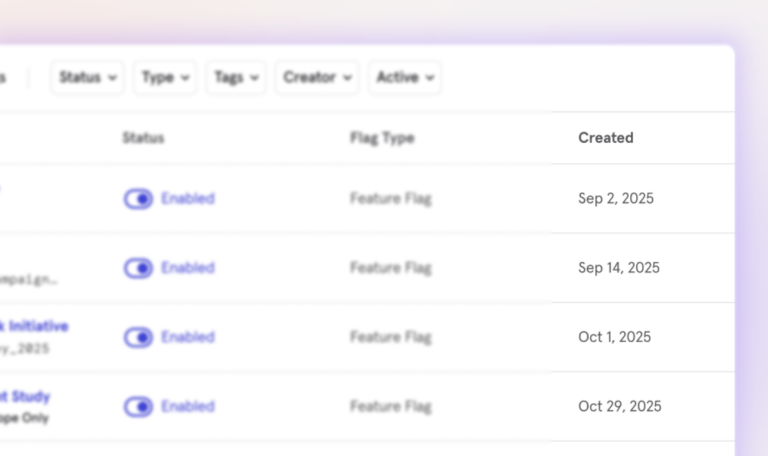
Signal 1: An old creation date
Sorting flags by creation date, with the oldest flags first, quickly reveals old and potentially outdated flags. For example, a flag created a year ago probably doesn’t need to remain in the codebase.
That said, it’s always important to double-check, as some particularly long-lived flags might be permanent on purpose (if they control different feature access for paid versus free users, for example).
Signal 2: A flag hasn’t been modified recently
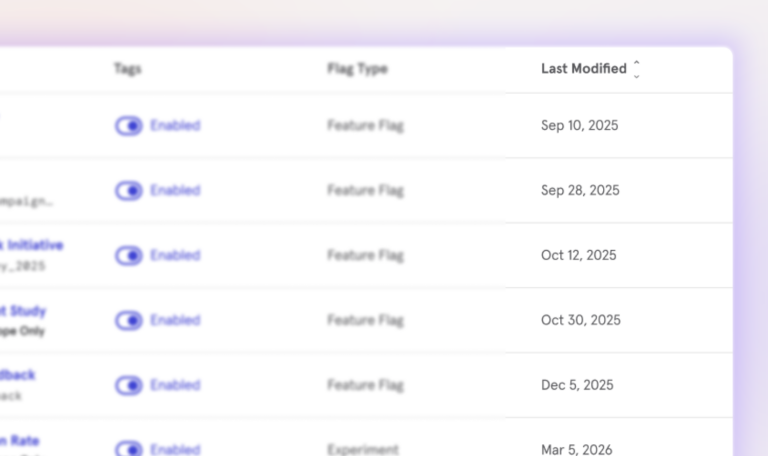
A flag that hasn’t been touched recently isn’t likely to still be in use. You can define “recently” based on your product and your team’s workflows, but setting a benchmark amount of time (like 30 days or 90 days) for an untouched flag is a good way to quickly spot potentially stale flags.
Signal 3: 100% rollout
Once a feature has been rolled out to the entire user base (or to 100% of the intended users), that flag is no longer serving a purpose and is most likely ready for removal.
Signal 4: No recent exposures
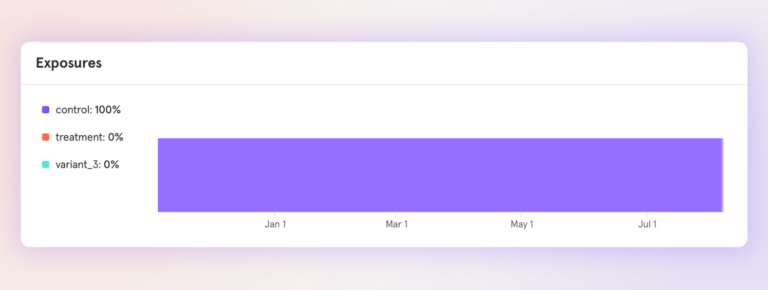
Flag exposures (how recently users encountered the flag) are also good indicators of flag staleness. If users are no longer seeing the flag, there’s a good chance it isn’t doing anything anymore. Product analytics can help you determine flag exposures.
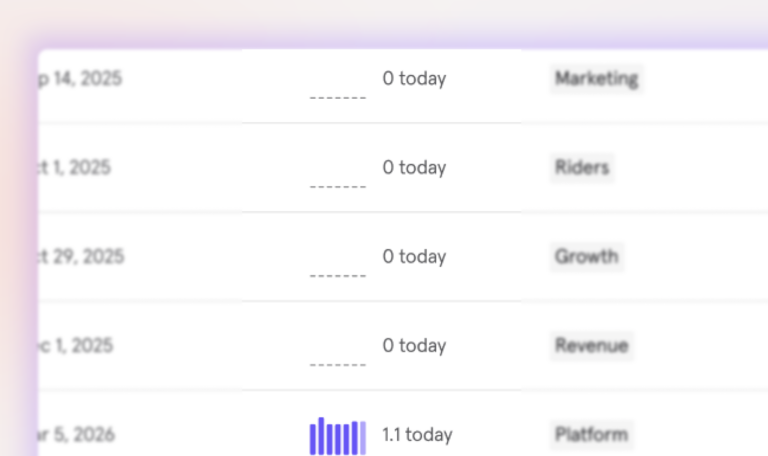
Platforms like Mixpanel let you sort flags by attributes like modification date and creation date, so you can quickly see which flags are unused.
How to audit feature flags
Auditing works best as a recurring maintenance task rather than an occasional cleanup sprint. A monthly review keeps stale flags from accumulating and makes ownership easier to track.
Here are a few tips for auditing feature flags:
- Sort flags
As we mentioned in the previous section, sorting flags by attributes like “last modified” or “creation date” helps you quickly spot old and outdated flags. If you don’t have automation in place (more on that below), manually sorting flags in a platform like Mixpanel is still quick and easy.
- Make flag ownership and purpose clear
It’s too easy to forget what a flag named “test_flag_v2” does, especially if the person running the test doesn’t remove it quickly. Clear names and flag ownership make it easier to understand what flags do, hold teams accountable for their flag cleanup, and spot unused flags.
There are two easy ways to make both flag ownership and purpose clear: Tags and flag names. Tags can mark which team a flag belongs to or what its use is. Tags can include things like:
- mobile team
- checkout
- search
- web
Names make a flag’s purpose easy to understand at a glance. Names like “new-user-onboarding-flow” or “black_friday_2025_enabled” instantly tell us what a flag is for.
In either case, consistency across teams and over time matters more than using any specific convention.
- Schedule recurring reviews
Lightweight recurring reviews are more effective than less frequent, more intensive audits. Allocating a few hours each month to feature flag review and removal can prevent flags from becoming too deeply embedded in the codebase. These reviews make it more likely that you’ll keep track of what flags do and who has ownership (which makes them safer to remove).
- Implement automation and AI
Manually monitoring feature flags is a good first step, but once you reach a certain volume, the ability to make bulk changes and automate parts of the process becomes even more valuable.
One option is to use a public API for managing feature flags, which allows for bulk operations. AI coding assistants can also speed up cleanup by tracing where flags are referenced throughout a codebase and drafting pull requests for removal. Combined with APIs for bulk operations, automation makes cleanup much easier once teams manage hundreds of flags.
Use AI to remove flags in bulk with the Mixpanel MCP server.
How to remove flags safely
Once you’ve audited your flags and identified stale flags ready to be removed, there are a few steps to follow to remove them safely.
Step 1: Confirm the flag is no longer in use
That can mean checking that the rollout is 100% complete and looking at “last modified” and “created” dates before making the call.
Step 2: Remove all code references
Feature flags need to be removed from everywhere they appear in the codebase and follow each variable to completion to make sure that removing the flag won’t have unintended consequences.
Step 3: Archive or delete the flag from your feature flag platform
Once you've confirmed the code no longer references the flag and the updated code has been deployed, you can safely archive or delete it from your feature flag platform. Deleting the flag first while it's still referenced in production can introduce regressions.
Why analytics makes feature flag cleanup easier
Using a solution that combines feature flags and product analytics allows you to combine data that would otherwise live in separate platforms and be harder to reach.
The hardest part of feature flag cleanup is determining when a flag is safe to delete. That's where analytics become valuable. Instead of relying on memory or code searches alone, exposure data shows whether users are still encountering a flag and whether an experiment has truly concluded.
But even after an experiment ends, the historical data remains in Mixpanel. The data will help you understand when a feature flag is ready to be retired, without jeopardizing the information gained from the experiment performed. Analytics remains long after cleanup is completed.
See which flags are still doing real work, and prove the impact when you retire the ones that aren't. Explore Mixpanel feature flagging or book a demo today.